
Update: Ease services now offered by Sundara!
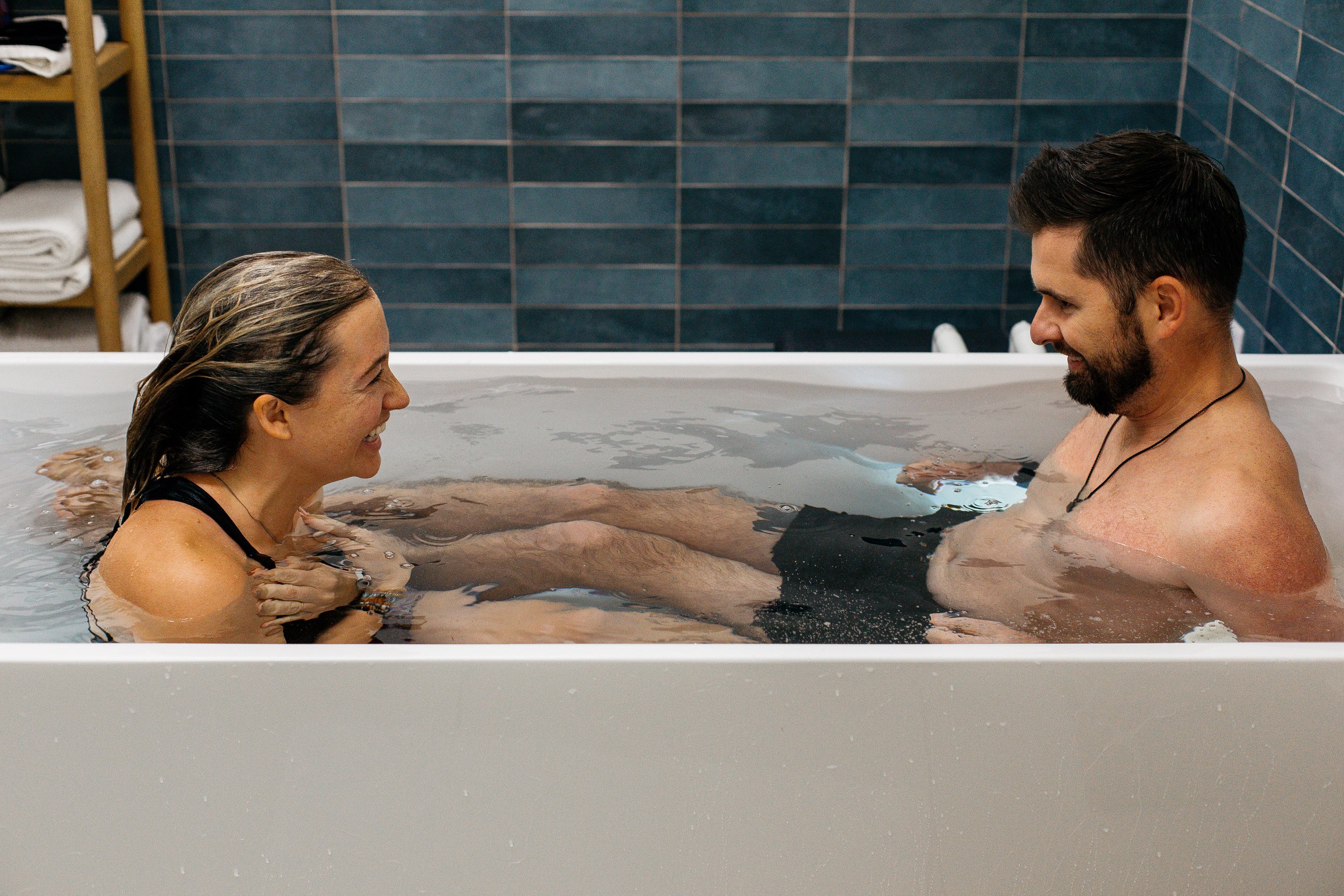
As part of moving the Ease services under the Sundara Wellness umbrella, the restorative wellness services you’ve enjoyed in the past are now available to book through Mindbody.
👉 Click here to download the app and schedule your next appointment now!
Read on for more information, including about how to access any packages or credits purchased on or before March 31 that rolled over from Ease, and instructions on how to book an appointment.
What’s stayed the same:
You still have access to the same restorative and recovery services you love — contrast, infrared sauna, cold plunge, red light, salt, compression, and hyperbaric oxygen therapy — at the same base pricing as before.
You are still coming to the same calming Sundara space and using the equipment you’re accustomed to.
Active packages, memberships, or unused credits you had with Ease that were purchased on or before March 31 have been migrated to Sundara through the Mindbody app (instructions below on how to access).
What’s changed:
The most noticeable change is the process for booking, which will now take place in Mindbody, the scheduling app that Sundara uses for these restorative services, as well as yoga and pilates classes. You can no longer book restorative services through Wellness Living or Ease.
We’ve expanded our available booking hours! We now have appointments available Monday through Saturday. Check the app for available appointments.
Going forward, you’ll communicate with Sundara for questions about your account or your appointments. Feel free to save our number: (901) 321-5803.
The first time you book a service with Sundara, you’ll be prompted to fill out a new consent form with Sundara.
For your privacy, no saved payment information was migrated from Ease’s platform to Sundara’s, so you’ll also be prompted to enter new payment information the first time you book an appointment or renew your monthly membership.
To book an appointment at Sundara:
👉 Download the Mindbody scheduling app here.
👉 Visit the Mindbody scheduling website here.
Log in to or create your account.
👉 If you received an email confirmation of credits from Sundara, your login is your email address. If you don’t have or are unsure of your password, follow the login prompts and then click “Forgot password” to reset or create your password.
👉 If you did not receive an email, click “Create an account” and follow the prompts. Once you have logged in to your account, follow the steps below to book an appointment.
Steps to book on the Mindbody app:
Find Appointment: Once you log in, the default view will be of the Classes. Click the Appointments tab.
Select Service: Tap the specific service, such as a compression, contrast, plunge, etc.
Select Staff/Time: When you’re prompted to select a staff member, choose the service for which you are booking. Then choose a time and date and click Book.
Confirm: Review the booking and click Book Appointment.
If you have an active membership or credit, when you go to book, Mindbody will automatically use the pass. If not, you will be prompted to input payment information in order to hold your appointment. If you hit a snag, call (901) 321-5803 and we will get you figured out!
Steps to book on the Mindbody website:
Navigate: Click on the Appointments tab.
Choose Service: Select the type of appointment (e.g., contrast, cold plunge).
Select Staff & Time: When you’re prompted to select a staff member, choose the service for which you are booking. Then choose a time and date and click Book.
Confirm & Book: After you choose your date and time, you’ll be taken to a confirmation screen. Review your appointment details and click Book Appointment.
If you have an active membership or credit, when you go to book, Mindbody will automatically use the pass. If not, you will be prompted to input payment information in order to hold your appointment. If you hit a snag, call (901) 321-5803 and we will get you figured out!
Important notes:
Credits on your account: If you have active credits on your account that were purchased with Ease on or before March 31, you will be prompted to use them as payment when you go to finalize the booking.
To view any active credits, navigate to the Profile tab and select Passes. If you believe you should have credits but none appear, email stephanie at sundara wellness dot com or call the Sundara front desk at (901) 321-5803 and we will get you sorted!
Payment: You may be asked to add a credit card, even if the appointment is paid for later. This is used to secure bookings.
Confirmations: You will receive a confirmation email once the booking is successful.
If you are having difficulty, email stephanie at sundara wellness dot com or call the Sundara front desk at (901) 321-5803 and we will get you sorted!